 YAPPIE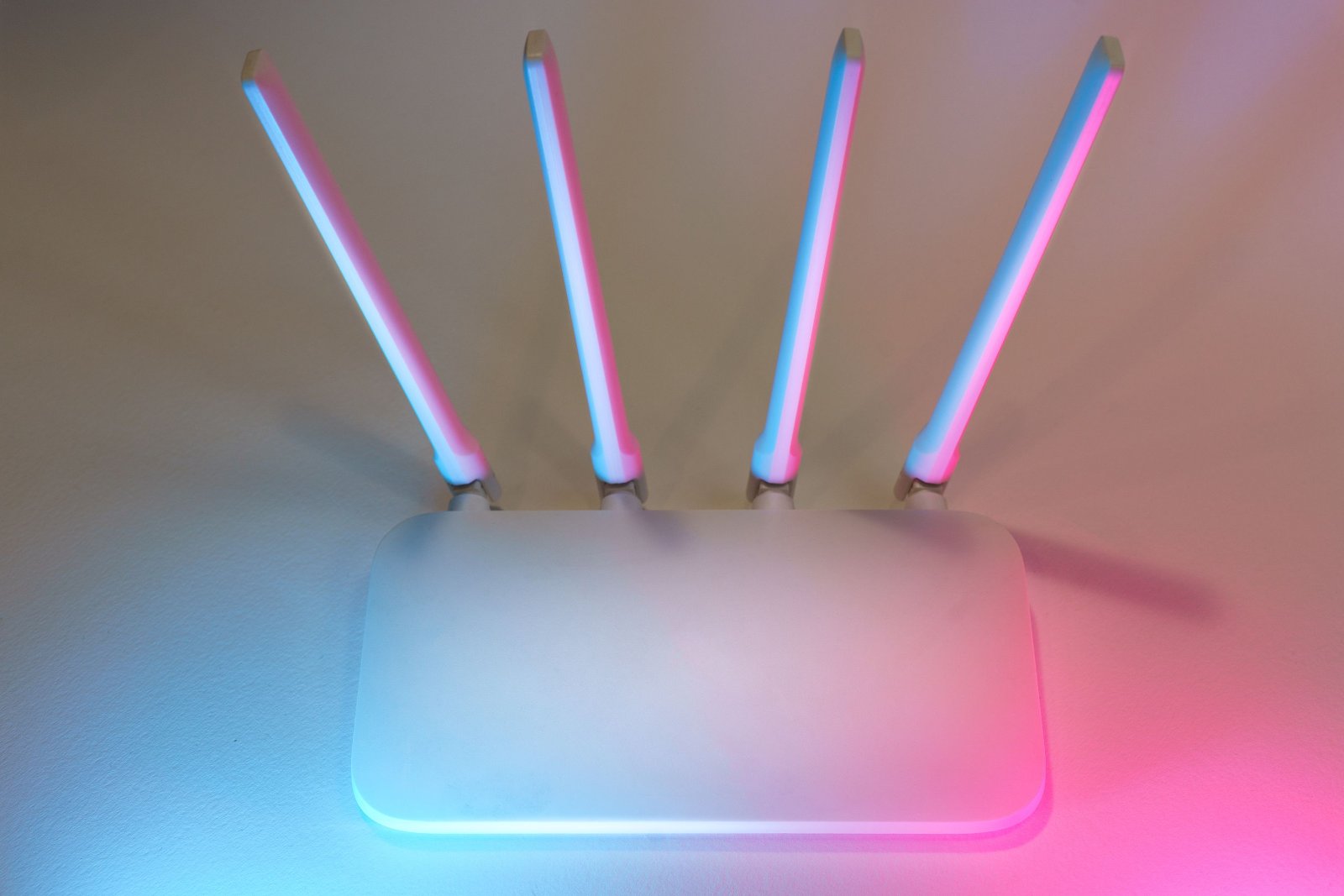
The Question on Which Everything Depends
Ask your internet provider two things. The first is what technology your connection uses.
The second is whether the equipment serving your building has backup power. The difference here is fundamental. With an optical connection, the route from the provider's node to your apartment is passive, meaning that the intermediate elements do not require electricity. Power is needed at the provider's node, and there is usually backup power there. In this case, your own backup power supply really does provide you with internet.
With a regular Ethernet cable connection, there is a switch in the building or on the floor that requires power. If the provider has not equipped it with backup power, your router will work, but there will be no internet. Therefore, in the second case, you should only buy backup equipment after finding out what the situation is with the switch in your building.
Don't Forget About the Second Device
A common mistake is that people plan power only for the router. With an optical connection, there are usually two devices in the apartment: an optical terminal, which converts the signal, and the router itself, which distributes Wi-Fi. Both require power, and if you power only one of them, there will be no internet. Some subscribers have these functions combined in a single device, so first check how many boxes with power adapters you have.
How Much Power Does It Consume?
Network equipment is one of the most economical types of equipment in an apartment. A router consumes approximately ten to twenty watts, while the optical terminal consumes a few more. Together, this comes to approximately fifteen to twenty-five watts, which is less than one old-style LED light bulb. That is why the issue of backup power for the internet can be solved inexpensively, unlike backup power for other equipment in the home.
Power Supply Options
A specialized mini UPS for a router is the most convenient solution. It is a compact device with its own battery and outputs of five, nine, twelve, and sometimes twenty-four volts, meaning exactly the voltages used by network equipment. It has two main advantages. First, the necessary connectors are included, so you do not have to look for adapters. Second, these devices support pass-through charging, meaning they remain constantly connected to the mains and switch to battery power immediately when the power goes out, without interrupting the connection. In practice, this means that you will not even notice the moment of the outage, and a video call will not be interrupted. The typical capacity of common models is approximately ten thousand four hundred milliamp-hours, or about thirty-eight watt-hours, while there are also options with twenty thousand.
A power bank with a twelve-volt output is a cheaper alternative if you already have such a model.
A power bank with Power Delivery together with a trigger cable also works because such a cable makes the power bank provide the required voltage instead of the standard five volts. This option works, but requires the correct cable for your connector and voltage.
A portable power station solves the problem with a large reserve, although it is excessive for a single router. If you already have a power station, the router will be the smallest consumer on the list.
A regular computer UPS also works, but it is the least efficient solution for this task. The reason is the double conversion: the battery's direct current is converted into alternating current, and the router's power adapter converts it back into direct current. Some energy is lost along the way, and such devices are also heavier, noisier, and have a shorter battery lifespan.
How Long Will It Last?
The general guidelines look like this. A device with a capacity of approximately thirty watt-hours provides three to six hours of operation. A device with approximately sixty watt-hours provides six to twelve hours.
A ten-thousand-milliamp-hour model provides approximately four to eight hours for a router and optical terminal together. Real user reviews confirm these figures, and for a single router with moderate power consumption, the runtime can be even longer.
Calculating your own case is simple. Divide the device's capacity in watt-hours by the total power consumption of your equipment and reduce the result by approximately ten to fifteen percent to account for losses.
What to Look for When Choosing
The output voltage must match your equipment. Check the label on the router's power adapter, where it will specify five, nine, twelve, or more volts, and make sure the device supports that value.
The output current must be no lower than the value specified on the power adapter.
The number of outputs matters because you need to power at least two devices.
Pass-through power, meaning switching without interrupting the connection.
Battery type, since LiFePO4 cells have a longer cycle life.
Connector size, because network equipment uses different connector sizes, so having a set of adapters included is an advantage.
An additional USB output, which allows you to charge your phone from the same device.
A Backup Plan
Even with your own backup power supply, the internet can disappear if the problem is on the provider's side. Therefore, it is worth having a second connection, namely mobile internet shared from your phone.
Keep in mind that mobile operators' base stations are also powered by batteries, and during daily power outages they may not have enough time to recharge, causing the connection to gradually deteriorate. I wrote about this in a separate article on staying connected during blackouts.
Also check whether national roaming is enabled on your phone, which allows it to switch to another operator's network.
Sources
Data from Rozetka, ALLO, Kasta, and Trinix regarding mini UPS specifications; materials from CamSecurity and GlobalNet regarding equipment compatibility.