 YAPPIE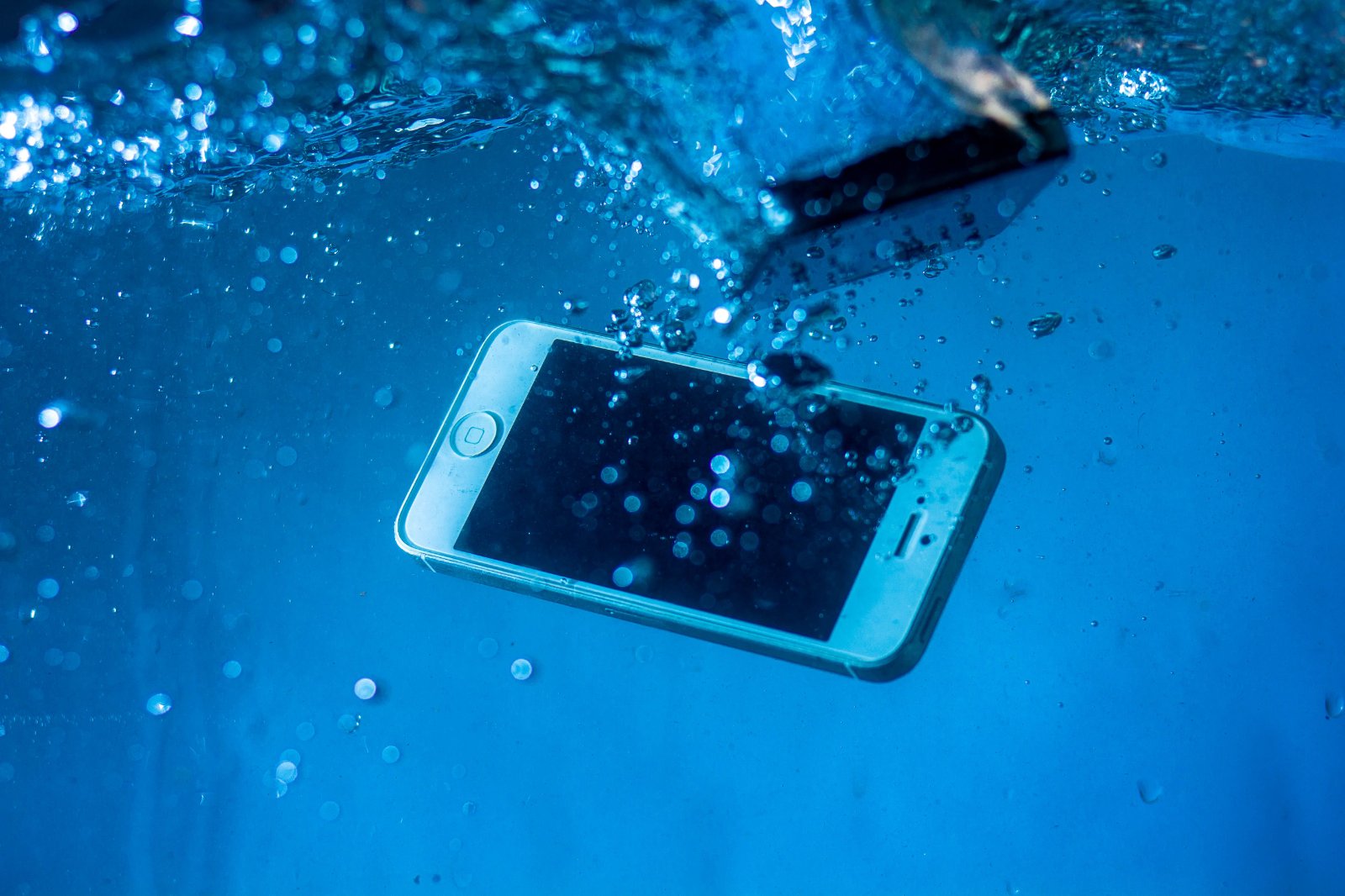
Why Rice Does Not Work
The logic of this advice seems convincing, since dry rice really does absorb moisture, but upon closer examination the method loses on all points. Rice acts too slowly to prevent corrosion, which begins immediately after water comes into contact with electronics, and it is corrosion, not the moisture itself, that kills the device. By absorbing water, the grains become sticky, and particles of this mass get inside the case through the openings, after which they remain there forever. Apple directly points to the risk of damage to internal components specifically because of these particles. In addition, rice attracts dust, while a sealed bag with rice blocks access to air, that is, deprives the phone of the only truly working drying mechanism. Stories about how this helped someone are explained simply. The phone would have dried even without the rice, and in many cases modern devices survive contact with water thanks to their own protection, while rice here only creates the illusion of being involved in the result.
What to Do in the First Minutes
Take the device out of the water as quickly as possible, since the time spent in the water affects the result more than anything else. If the phone does not have water protection, turn it off immediately and do not turn it on until it is completely dry, because supplying power to a wet board is the main cause of irreversible damage. Samsung, in its recommendations for unprotected devices, directly advises not to turn the device on at all and to take it to a service center. If the device has factory moisture protection and a warning about detected liquid has simply appeared on the screen, it is not necessary to turn it off, but it cannot be charged. Remove the SIM card and memory card, and along with them remove the case, since moisture remains under it much longer. Wipe the case with a dry soft cloth, paying attention to the port, speakers, and places where the parts meet. Carefully tap the phone against your palm, holding it with the port facing downward, so that the moisture comes out of the openings. Apple recommends exactly this action as the first one after detecting liquid, and a few drops that appear from the port are a normal result. Place the device in a dry, ventilated place, and a room with a fan is better suited for this than any other options. The minimum waiting time is twenty-four hours, and if a significant amount of water got inside, it is wiser to wait longer.
What You Must Not Do
Do not dry the phone with a hair dryer, heater, radiator, or another external source of heat, since high temperatures damage the battery and can deform internal components. This prohibition is directly stated in Apple’s official recommendations. Do not use compressed air, because it drives moisture deeper instead of removing it. Do not put foreign objects into the port, including cotton swabs and paper tissues, since they leave fibers and push moisture inside. Do not charge the device with a cable until both the phone and the cable itself are completely dry, because supplying power to wet contacts leads to corrosion of the pins in the port and on the cable, and this is already irreversible damage to both. Do not shake the phone sharply, because this spreads the water through the internal volume instead of bringing it outside. Do not disassemble the device yourself if you have not done this before, since the cases of modern phones are glued together, and an unsuccessful attempt usually costs more than the problem itself. If the device needs to be charged urgently and the port is still wet, use wireless charging if this function is available, since it does not require contact with the port.
When the Situation Is More Serious Than It Seems
Fresh clean water is the best of the possible options, and factory protection ratings are designed specifically for it. Salt water, including seawater, causes significantly more damage, since salt accelerates corrosion several times and remains inside after the water dries. Sweet drinks, coffee, beer, and similar liquids leave a sticky residue that retains moisture and causes further problems with buttons and ports. Chlorinated water from a swimming pool occupies an intermediate position, but it also requires attention. In all cases except clean water, it is worth contacting a service center immediately, without waiting for symptoms to appear, since the main damage occurs not at the moment of immersion, but over the following days due to corrosion.
About Factory Water Protection
Modern flagship phones have protection ratings such as IP67 or IP68, and these designations mean withstanding immersion to a certain depth for a limited time under laboratory conditions. Three clarifications that manufacturers write in small print are important here. The protection is designed for fresh water, so seawater and other liquids are not covered by it. Sealing deteriorates over time, since adhesive connections and seals age, while drops and repairs permanently disrupt them, which means that a three-year-old phone with an IP68 rating is protected significantly worse than a new one. Liquid damage is usually not covered by the warranty, and manufacturers determine the fact of contact with water using special indicators inside the case that change color.
When to Take It to a Service Center
It is worth contacting specialists immediately if the phone fell into salt or sweet liquid, if it does not have factory water protection, if it does not turn on after drying, or if strange symptoms appeared after it started working again. Such symptoms include distorted sound from the speakers, poor audibility during calls, random touches on the screen, spots or lines on the display, rapid battery drain, and heating without a load. It is also worth understanding separately that delay works against you here, since professional corrosion cleaning is effective in the first days, while after a week the damage may become irreversible. If the device did start working and works normally, make a full backup as soon as possible, since delayed failures after contact with water occur weeks and months later.
Sources: Apple reference page regarding liquid entering an iPhone, Samsung recommendations, publications by CBS News, TechRadar, Tom's Guide