 YAPPIE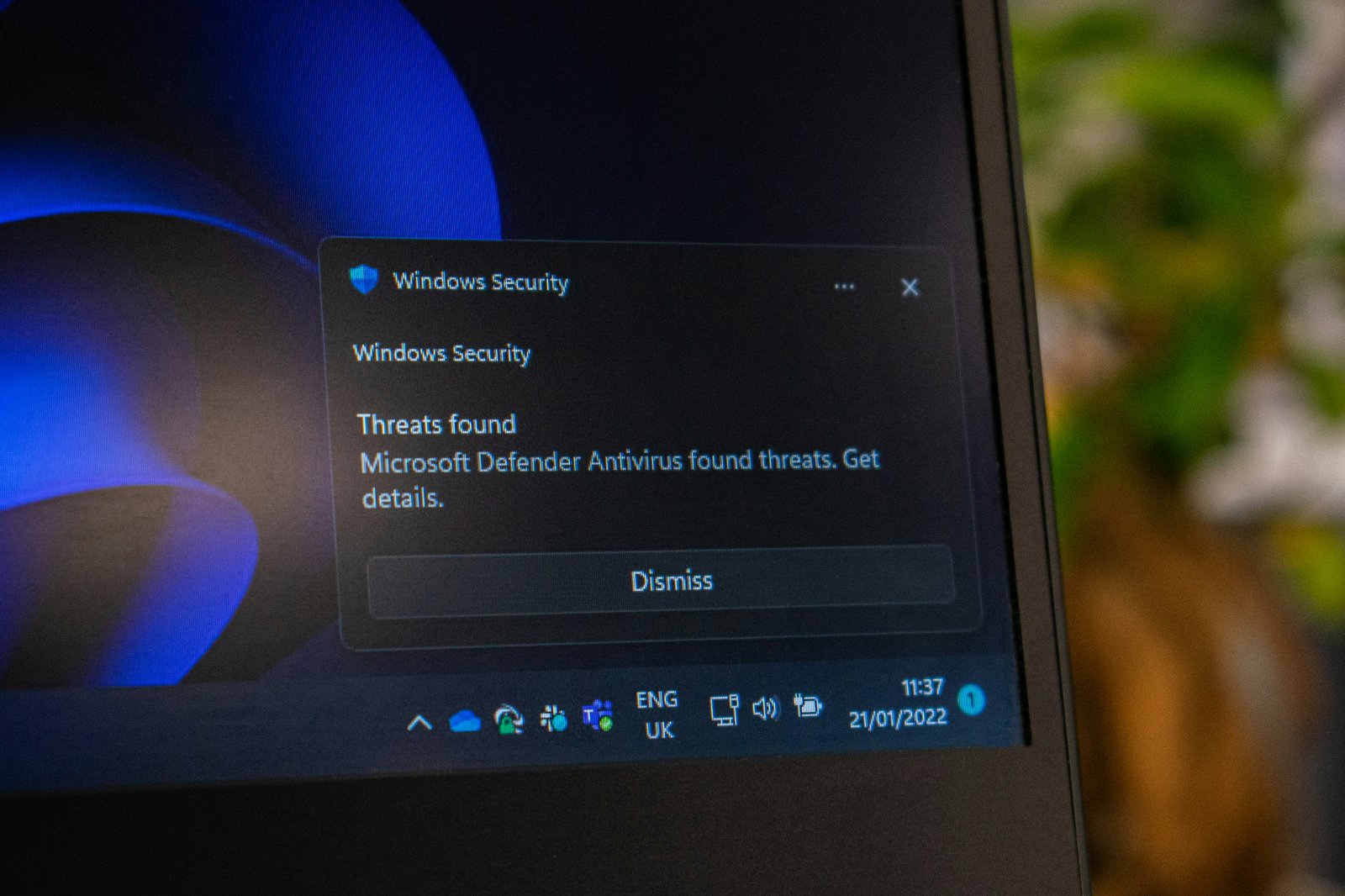
There are two laboratories whose results are trusted by the industry, and both test built-in protection on the same level as commercial products. According to the real-world protection test conducted from February to May 2026, built-in protection achieved a blocking rate of 99% with no false positives. In specific figures, the results looked like this: out of 400 test cases, built-in protection blocked 396, market leaders blocked 397 and 398, and one well-known product blocked 395. The laboratory specifically notes that all these products were placed in the same top protection group, meaning that a difference of a few cases out of 400 is not a sufficient basis for choosing one product over another. In a test against 10,000 malware samples in March 2026, built-in protection achieved an online detection rate of approximately 99.93%. The second laboratory, in its assessment for home users covering May–June 2026, awarded it the maximum six points for protection and six points for usability.
Where It Falls Behind
In terms of performance, built-in protection received 5.5 out of six points, while several commercial products received a full six points in all three categories. In a separate test on a low-powered system, it ranked eleventh, meaning that the difference may be more noticeable on an older computer. Most importantly, in the offline detection test, its result was approximately 89%, compared with almost 99% online.
This means something specific. The effectiveness of built-in protection depends heavily on access to cloud services, meaning that it performs noticeably worse on a computer without an internet connection or with limited access. For most people, this is not a problem because their computers are constantly connected, but it matters for isolated machines.
The Myth of System Slowdown
A common argument against antivirus software in general is that it slows down computers.
Modern measurements show that top solutions slow down a system by approximately 2–8%, while built-in protection slows it down by around 3–4%. For context, a single open browser tab playing a video consumes more resources than the entire antivirus program. In other words, the cause of your computer slowing down is almost certainly something else, and I wrote about the actual causes in a separate article.
What to Do with the Settings
Default settings provide approximately 70% of the capabilities of built-in protection, meaning that the rest must be enabled manually. It is worth checking whether cloud protection and automatic sample submission are enabled, since these are precisely the features that account for the difference between online and offline results.
It is worth enabling tamper protection, which prevents third-party programs from disabling security features. You should also check whether protection against suspicious program behavior is working.
There is also a Controlled Folder Access feature, which restricts programs from modifying the contents of your documents without permission. It is disabled by default, and it is the main built-in protection against ransomware.
When a Paid Solution Still Makes Sense
There are specific situations, and they should be listed honestly.
If you have devices running different operating systems, such as Windows alongside Android phones and Apple computers, because built-in protection in its familiar form primarily applies to Windows, while paid packages cover several platforms under one subscription.
If you need centralized management of several computers, for example, in a small company.
If you deliberately work with risky content, such as downloading programs from unofficial sources or receiving many attachments from unknown senders.
If you need additional features in a single package, such as a password manager, parental controls, or a third-party software updater.
If your computer frequently operates without an internet connection, making the cloud component of protection unavailable.
In other cases, a paid subscription primarily provides additional convenience rather than significantly better protection against malware.
The Main Thing an Antivirus Does Not Do
An antivirus protects against malware, and that is where its capabilities end. It will not protect you against phishing, meaning a situation in which you enter your password on a fake page yourself, because from a technical perspective, you have simply filled out a form.
It will not protect you against social engineering, such as a call supposedly from your bank after which you transfer money yourself.
It will not protect you against account theft involving a reused password that was leaked from another service.
It will not protect you if you install a program yourself that does something other than what it promises.
For most people, these are the real risks, while infection by a traditional computer virus has become a rare occurrence. Therefore, the choice between a free and a paid antivirus has a much smaller impact on your security than two-factor authentication and a password manager, which I wrote about separately.
What You Should Do
Enable two-factor authentication for your email account, since it provides access to all your other services.
Use unique passwords through a password manager, because reusing passwords from other services' data breaches remains one of the main ways accounts are compromised.
Update your operating system and browser, because updates close vulnerabilities that could otherwise allow infections without your involvement.
Configure built-in protection fully instead of leaving it at its default settings.
Make backups, because they are the only reliable protection against ransomware. No antivirus guarantees 100% detection, while a backup guarantees recovery.
Install programs only from official sources. Only after that should you consider whether you need a paid subscription.
About Free Third-Party Antivirus Programs
Free versions of commercial products achieve results in tests comparable to those of built-in protection, meaning that some of them even received full scores in every category. However, it is worth understanding their business model. A free product generates revenue either by displaying offers to upgrade to a paid version or by collecting data about users' behavior.
In addition, installing a third-party antivirus automatically disables the built-in one, meaning that you do not get two layers of protection but replace one with another. Therefore, if you are satisfied with the level of protection, it makes more sense to keep the built-in solution, since it does not display advertisements and does not require separate maintenance.
Summary
Independent tests from 2026 show that built-in system protection blocks approximately 99% of threats under real-world conditions and ranks among the top group alongside leading commercial products. This means that a separate program is no longer essential for most home users.
Its weaknesses remain its poorer results without network access, a slightly lower performance score, and coverage primarily limited to one platform. These are the factors that determine when a paid solution is justified.
However, the main point is that, for modern users, the primary risks are not viruses but phishing, password theft, and social engineering, against which antivirus software does not help at all. Therefore, the time and money spent on antivirus software will provide less benefit than enabling two-factor authentication and creating backups.
Sources
AV-Comparatives tests from February–May 2026 and March 2026; AV-TEST assessments from May–June 2026; an AV-Comparatives publication on the sufficiency of built-in protection; Robot Dreams materials.